Why should I print with a photographer's lab recommendation?
This is a simple one. Quality. I know how convenient it is to pop into your local K-mart or Big W to print your photos, but it's important to understand that every big chain store uses a different printing system which offers different quality. The main difference here is how long your photos are going to last before they fade, and how the printer is going to print your photo vs what was originally edited. Unfortunately most printing labs like K-mart don't care about the time and care that was put into your photo editing. As a photographer, I spend hours tweaking your photos and the colours so they look a certain beautiful way. When you print at K-mart for example, your photos will not look like it did on the computer. They will always lose some of their colour, sharpness and contrast in some form. I find it frustrating for my clients after they've paid hundreds of dollars for beautiful images, to have them distorted in some form.
FAQ
Where can I print my photos?
You can print your photos directly at myprophoto.com.au
What do I enter when it says account?
This is where you'll enter: 31616. This will log you into the system where you can begin your ordering. The PIN number just lets the website know you are a client of mine. It also allows me to touch base with you if required when you've completed an order.
How do I get 15% off?
To access your discount code, please reach out to me after your session. I'll usually email this to you once I deliver your online gallery. The code can be used once by your family for your first order only.
How much do prints cost?
Every type of print varies depending on paper and size, but the good news is they are very affordable! I use this company for all my own prints too. A 4x6" lustre print costs $1.57
What type of paper do your recommend?
I like to print my photos in lustre paper. Lustre paper comes with a semi-gloss that doesn't reflect light too much. It is closer to a matte finish than the glossy paper. It is not vulnerable to fingerprints or stains. But of course, I recommend you look at all options and choose what is best suited for your liking.
How do I make an order?
Please check out my little how-to guide below. It should be fairly easy to follow along but if you run into issues please let me know. If you experience any trouble shooting issues, you may need to re-fresh your page and try again.
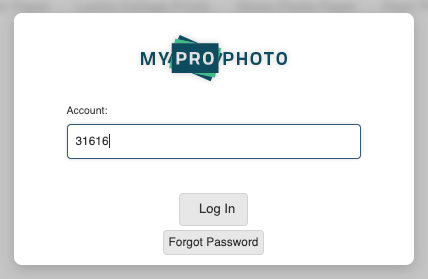
Step 1: Enter the code 31616 to log into the website
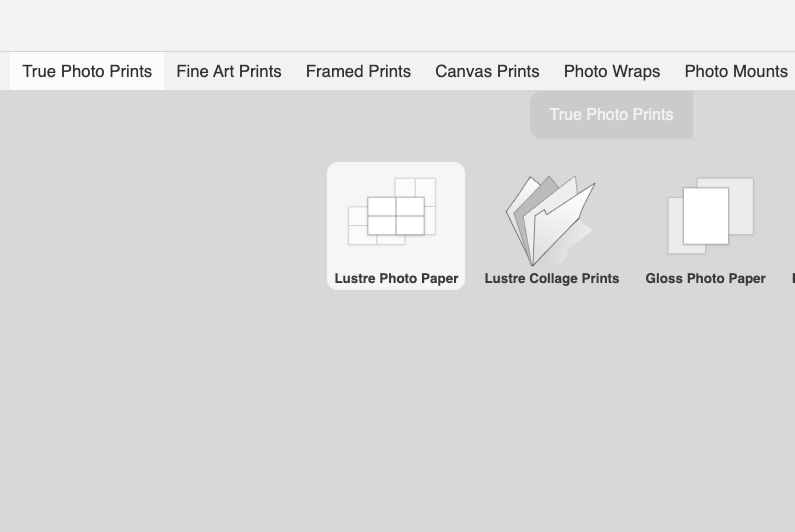
Step 2: Click on the type of prints/item you wish to order
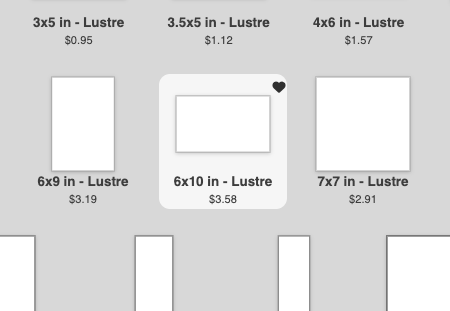
Step 3: Choose your photo size you'd like to print
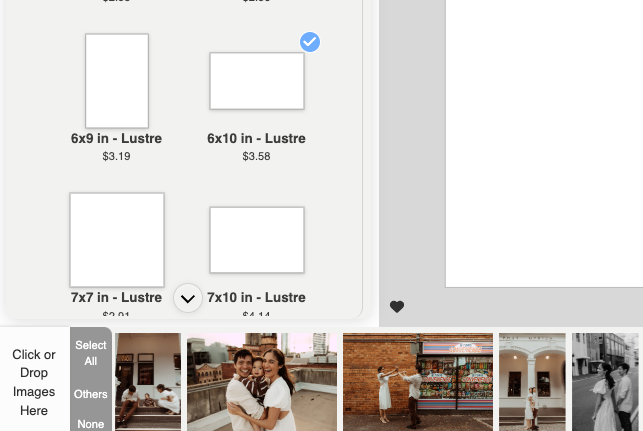
Step 4: 'Click here' or drop your images in to upload them. Then drag and drop your image onto the white space.
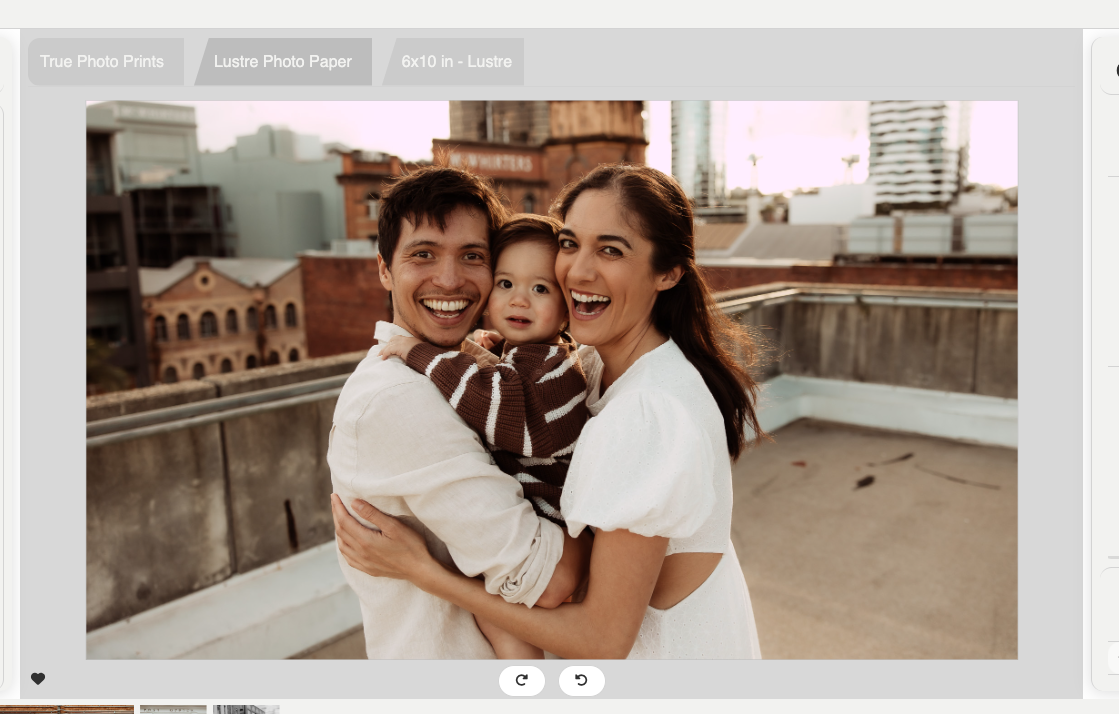
Step 5: You'll then see your image in the white space ready to add to your basket or add additional details like a border.
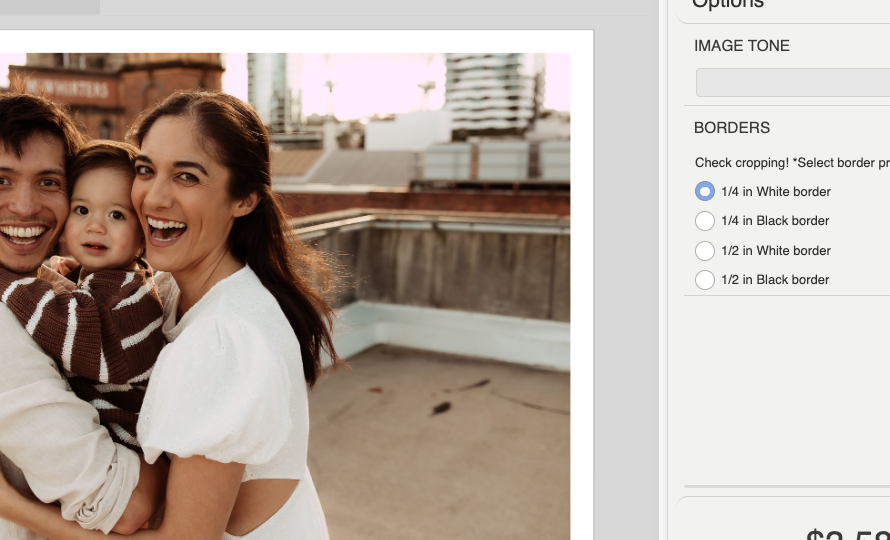
Step 6: You can select white or black borders to the right side if you wish or leave blank full size. You can also drag your photo around to make sure it's centered!
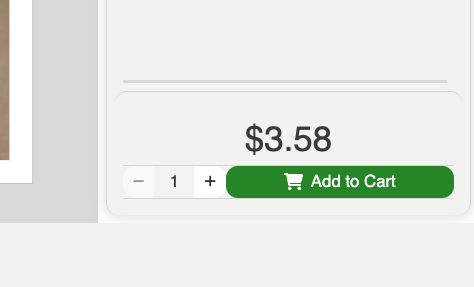
Step 7: Once you're happy with the size and positioning of your image, just check Add to Cart! This will then add your image to your cart, you'll see '1 Item' in the top right hand corner. Time to start on your next image!
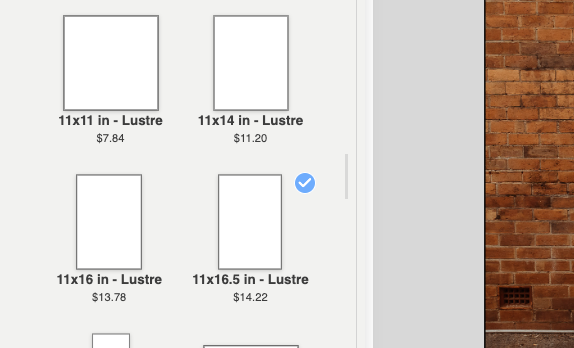
Step 8: Explore all the different sizes, just double click on a new print size to change it over. You can also click the top left arrow to go back to all prints and products.
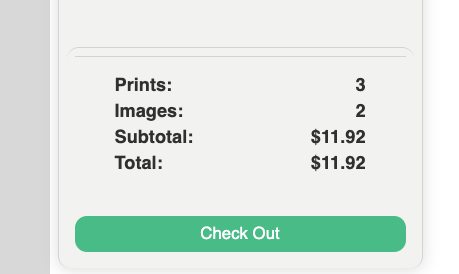
Step 9: Once you're happy with your selections, press check out to complete your order. Remember, you can go back and make changes if you need.
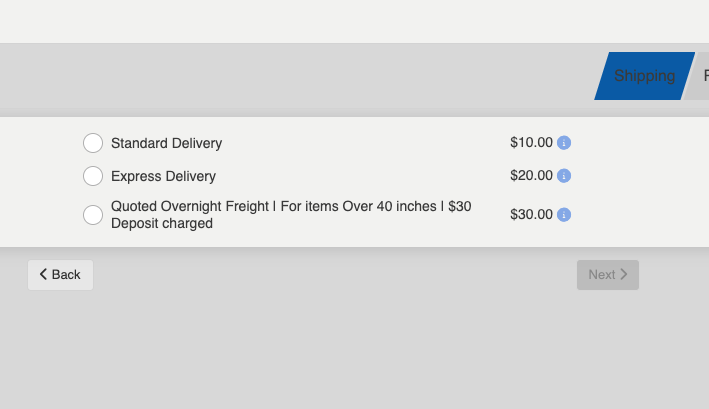
Step 10: Choose your shipping method. Standard post is $10.00 - and then enter your delivery details for the lab.
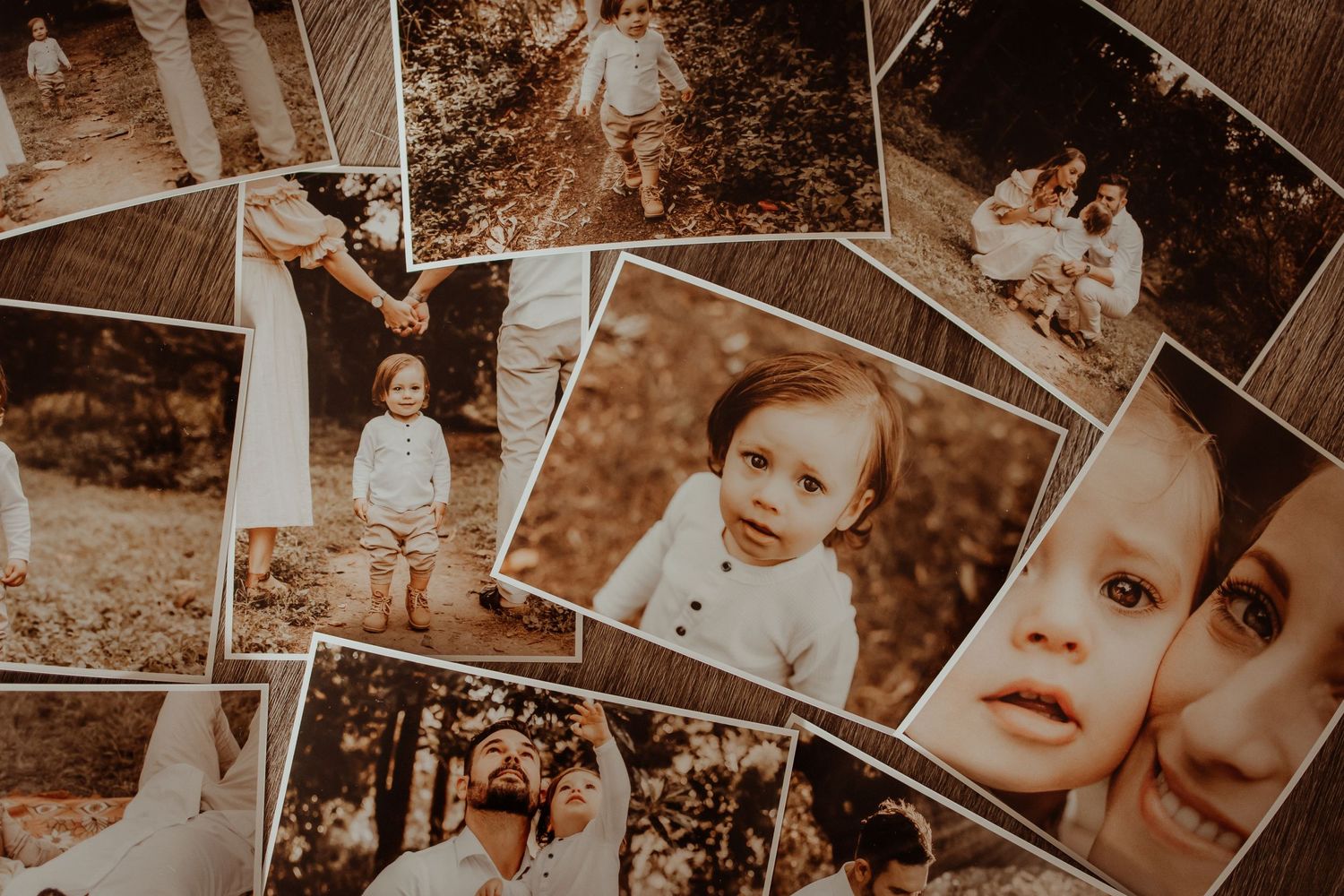
Step 11: Receive your beautiful prints in the mail! Share them, hang them, smile everytime you walk past them.

Questions? Feel free to send me an email if you have any queries, if I'm unable to assist, we may need to contact the lab for assistance.